Camera bursts
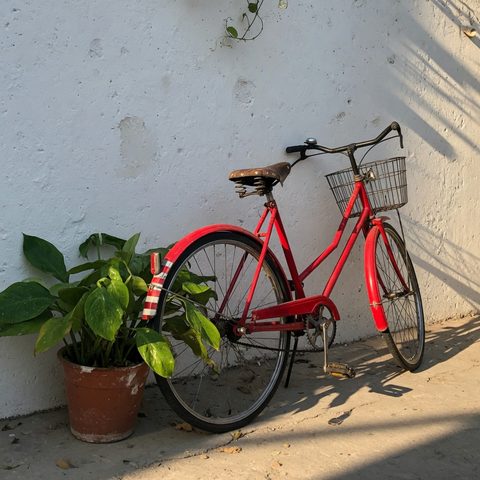
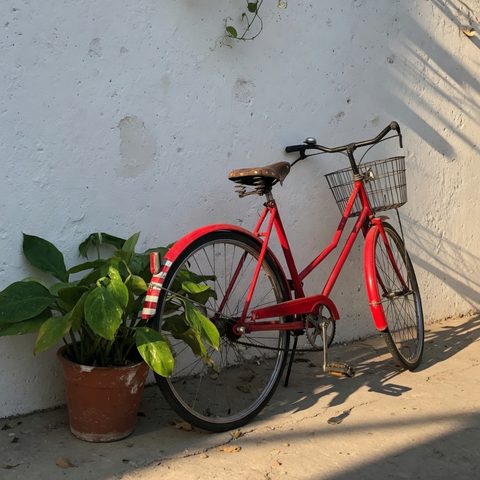
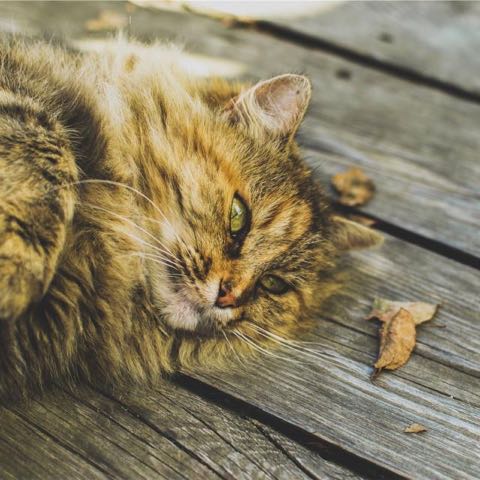
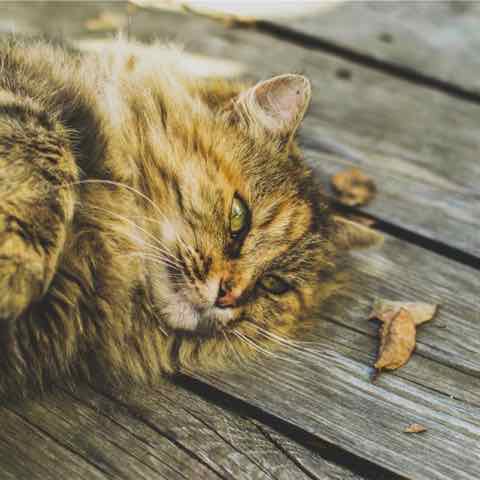
Ten frames of the same pose. Keep the sharp one; drop the rest without hunting by filename.
Byte-identical copies are easy. The pile is usually near-duplicates: bursts, a resized export, a WhatsApp compress. DupSweep’s photo mode uses perceptual hashing (dHash + pHash) to group those.
Download and get a lifetime license below.
File mode uses SHA-256. Two files are duplicates only if every byte matches. A JPEG you re-saved, or a screenshot of the same picture, will not match.
Photo mode looks at how the image appears. dHash and pHash turn the picture into a small fingerprint. Photos that look the same — cropped a little, resized, re-exported — land in the same group even when the files differ.
You still choose what to keep. Deletions go to Trash / Recycle Bin. Nothing is removed automatically.
Ten frames of the same pose. Keep the sharp one; drop the rest without hunting by filename.
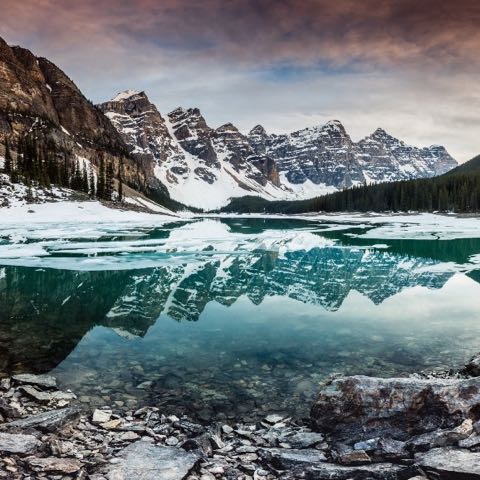
A full-resolution original next to a resized JPEG you sent to someone. They are not byte-identical; they still look the same.
WhatsApp, Messenger, and AirDrop often recompress. Photo mode still groups them with the original when they look alike.
A screenshot of an image on screen will not match SHA-256. Perceptual hashes often still group it.
Pay 5€ once for a lifetime Pro license.
Pay with card, MB WAY, Klarna, Amazon Pay, Bancontact, Satispay, and more. You don't need a Stripe account.